
![A hyper-realistic 3D travel guide infographic poster for [COUNTRY].](/api/storage/file?key=prompts%2F2043047413770809708%2Fcover.webp)
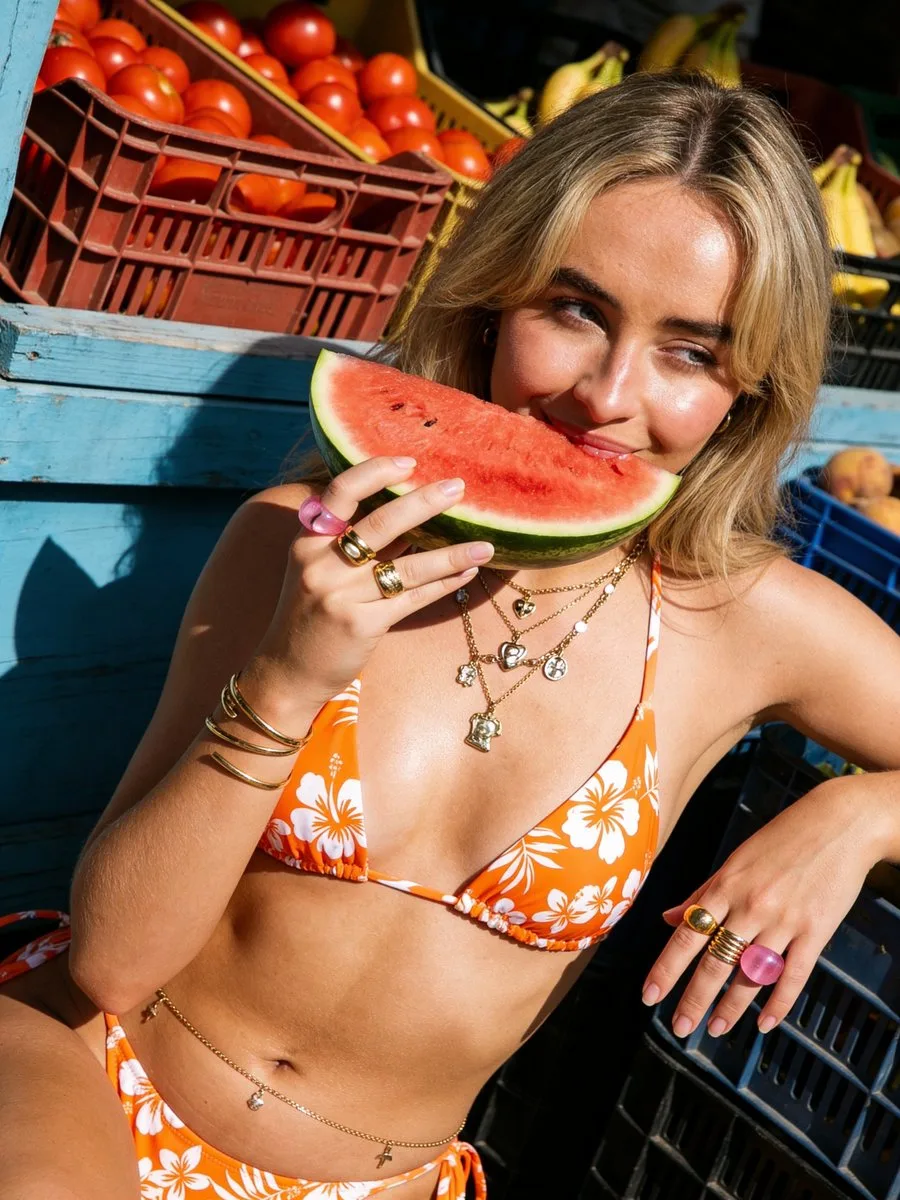
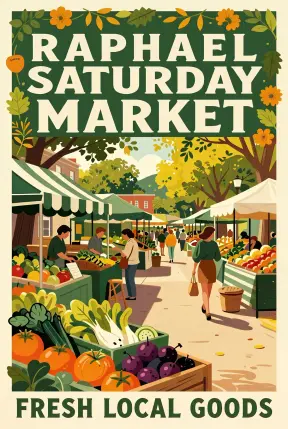
![Create a polished multi-page (multiple images) brand kit for a company called [YOYOYO].](/api/storage/file?key=prompts%2F2046682439985082441%2Fcover.webp)
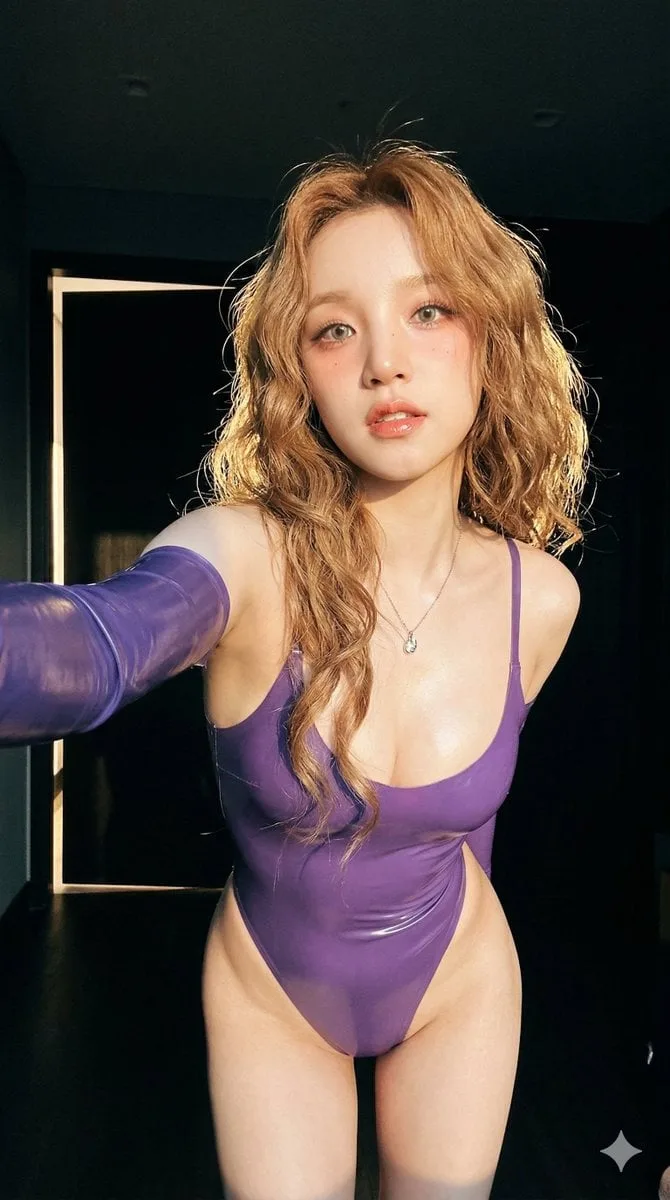
![[BRAND NAME]: The name of the brand.](/api/storage/file?key=prompts%2F2032908105994961090%2Fcover.webp)
![[BRAND NAME].](/api/storage/file?key=prompts%2F2028115571724660920%2Fcover.webp)
![Low-angle fashion campaign photograph of a confident model holding a large [product name] very close to the camera, exag](/api/storage/file?key=prompts%2F2048748266293190833%2Fcover.webp)
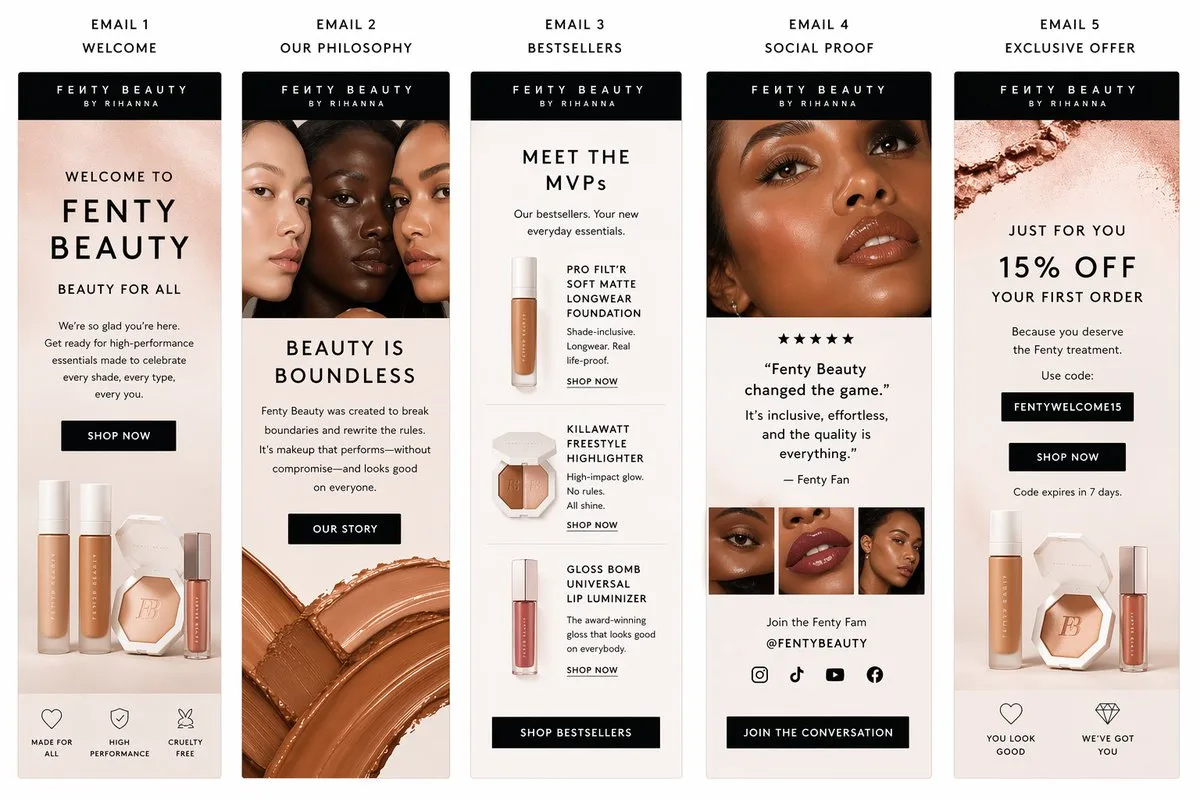
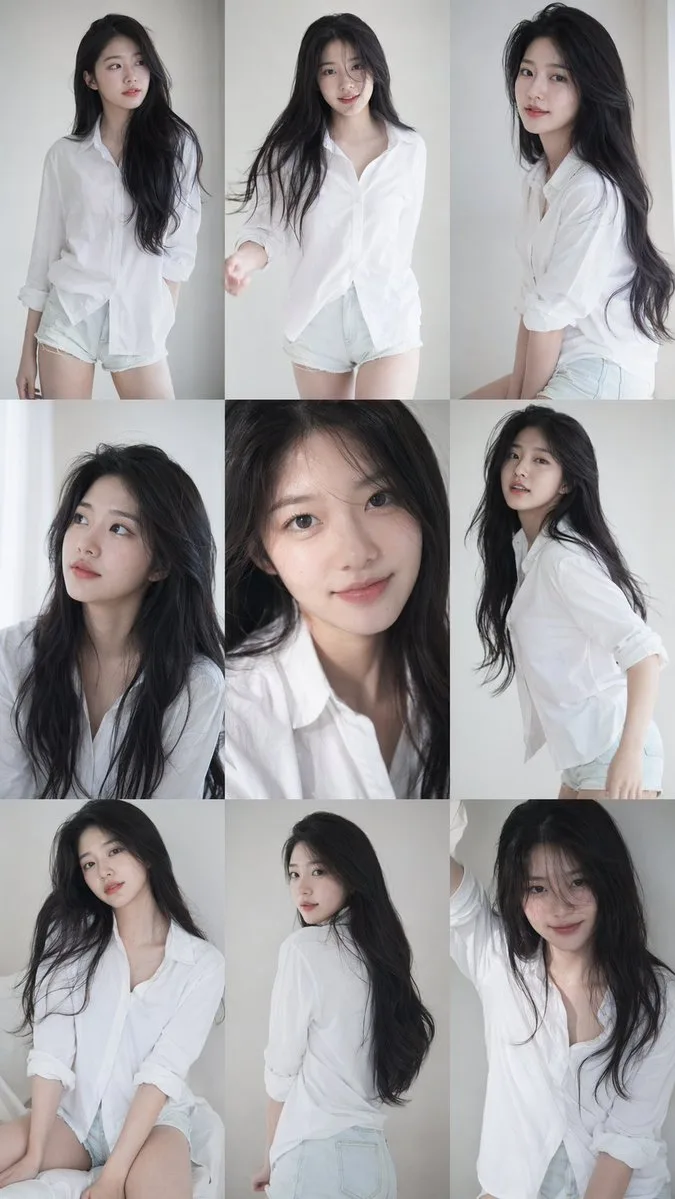
![[BRAND NAME].](/api/storage/file?key=prompts%2F2034709218549199327%2Fcover.webp)
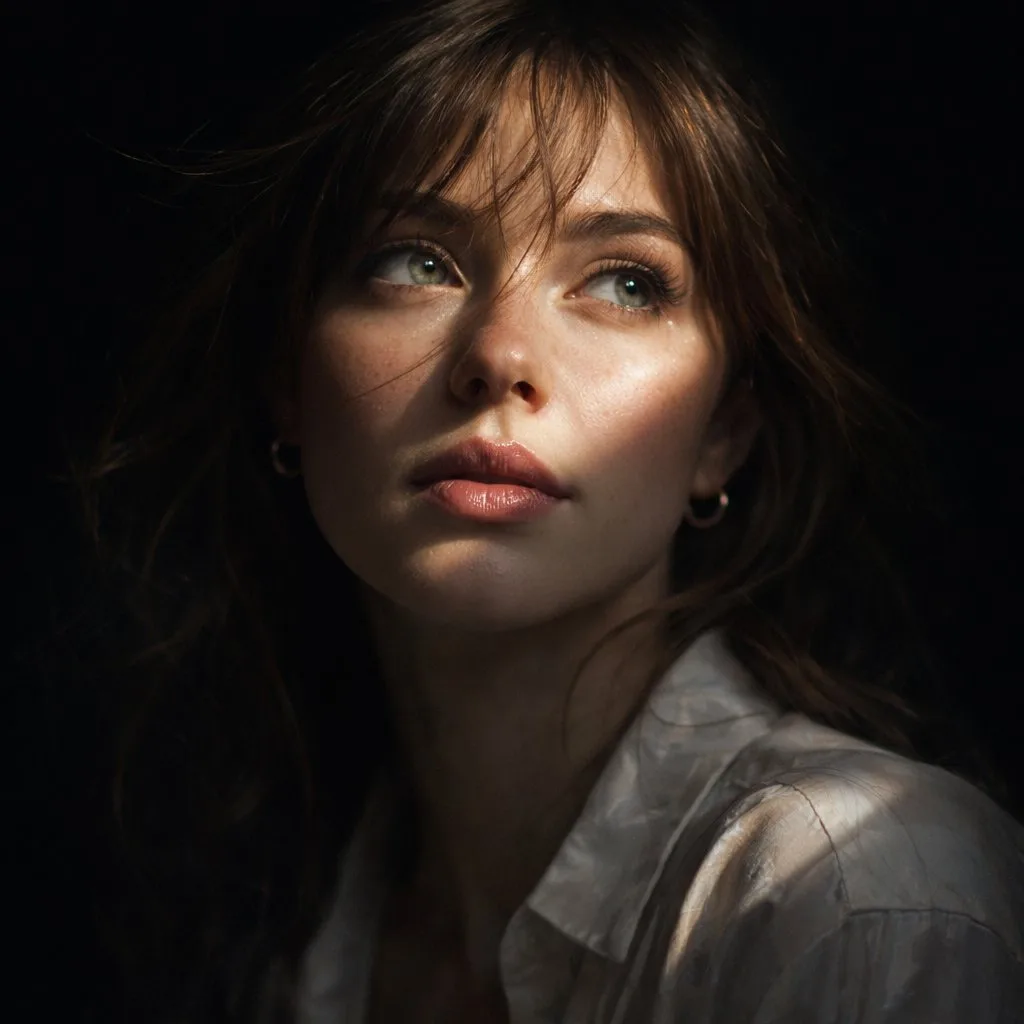
![生成一张[餐饮品牌触点矩阵]系列视觉图,用于展示一个完整的餐饮品牌视觉系统与包装应用方案。](/api/storage/file?key=prompts%2F2048360321379701233%2Fcover.webp)
![请根据[主题]自动生成一张[博物馆图鉴式中文拆解信息图]。](/api/storage/file?key=prompts%2F2045504669401653414%2Fcover.webp)
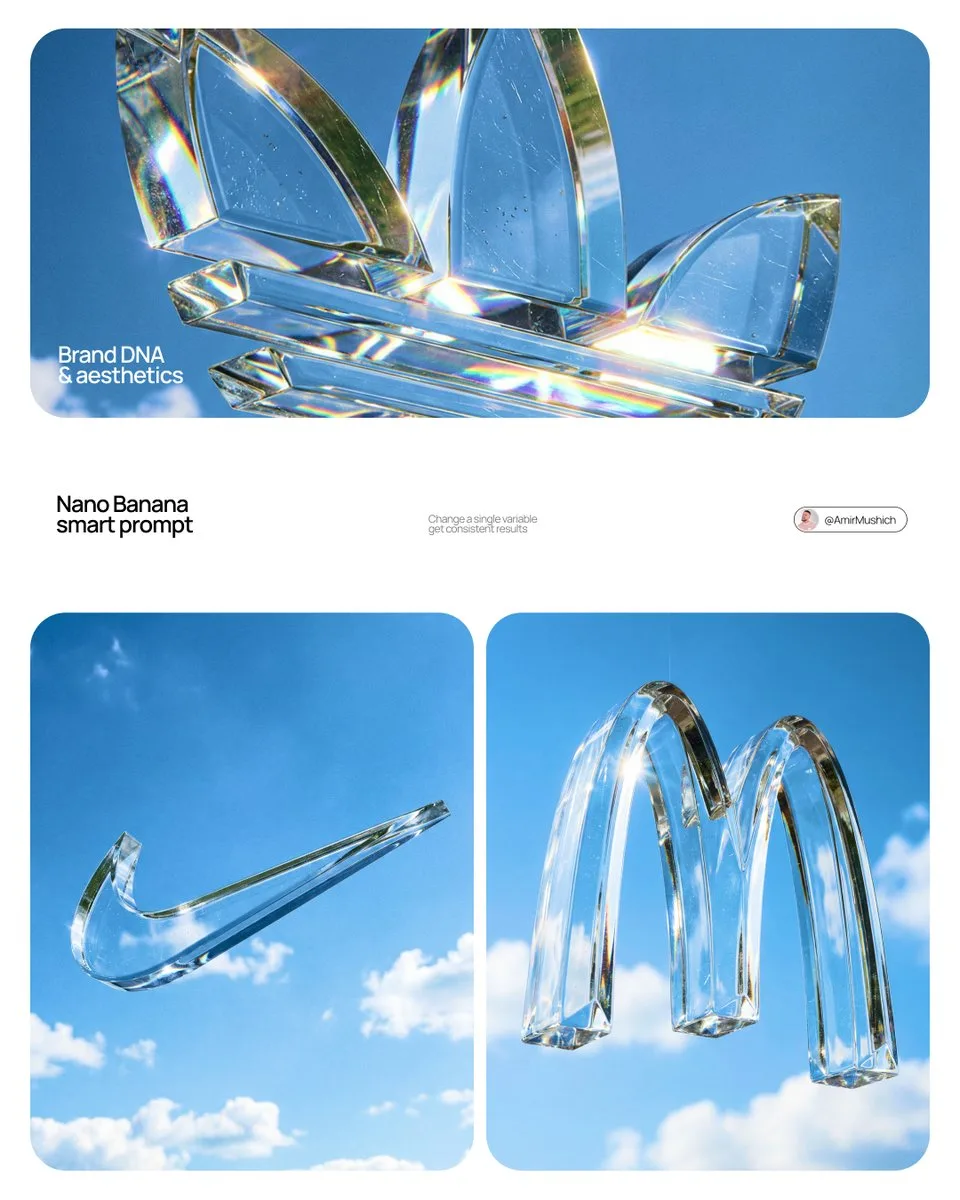
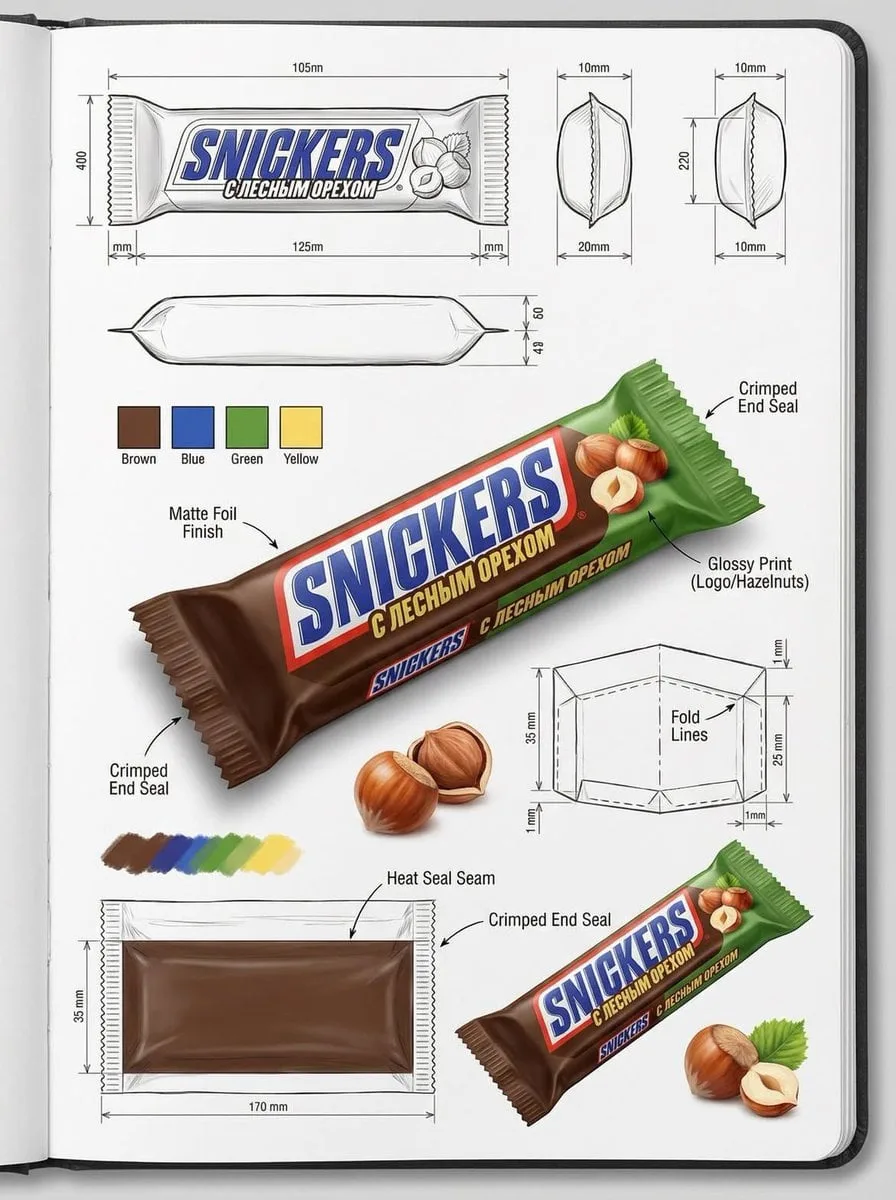
![Create a branded technical infographic of a [SNACK], combining a realistic photograph or photoreal render of the product](/api/storage/file?key=prompts%2F2031795709243019280%2Fcover.webp)
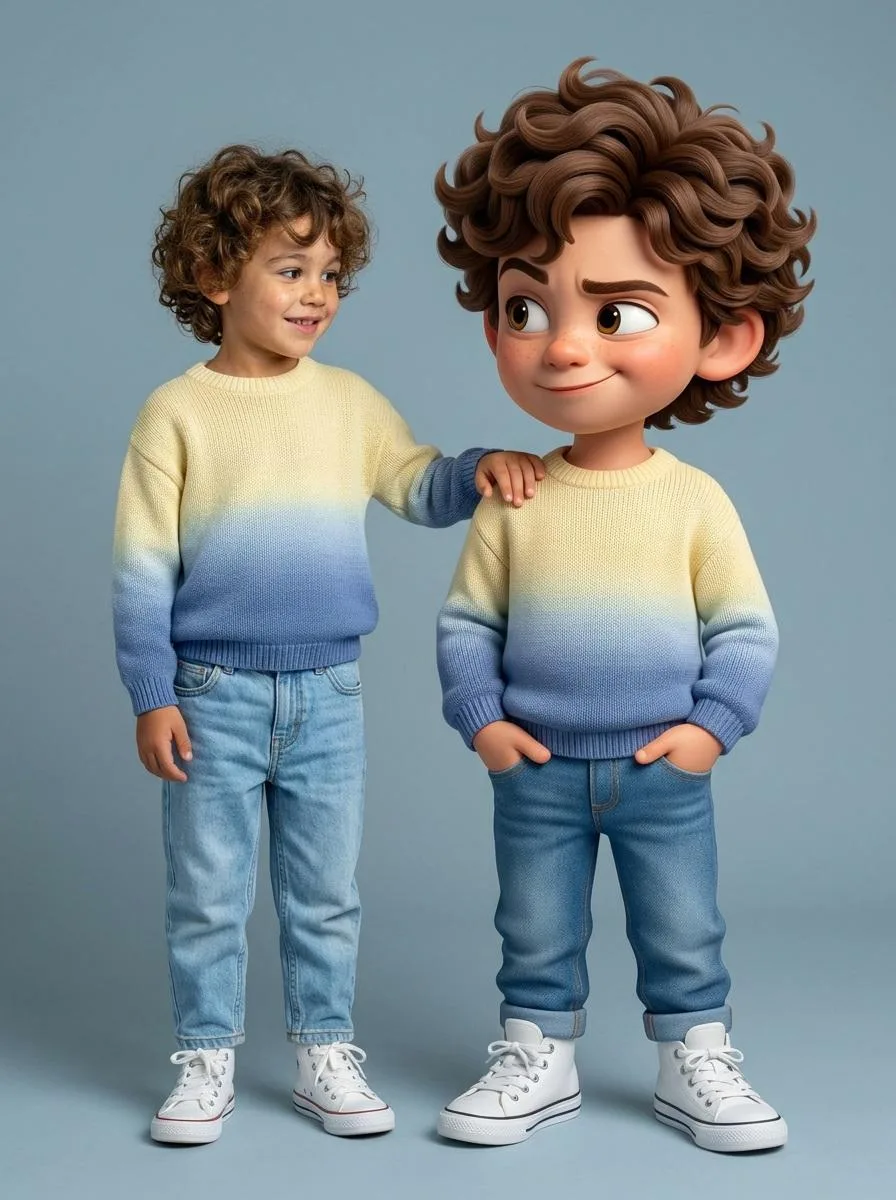
![A simple illustration of a [subject] in [outfit], [doing action], with a [facial expression] expression, in the style of](/api/storage/file?key=prompts%2F2047993289283133945%2Fcover.webp)
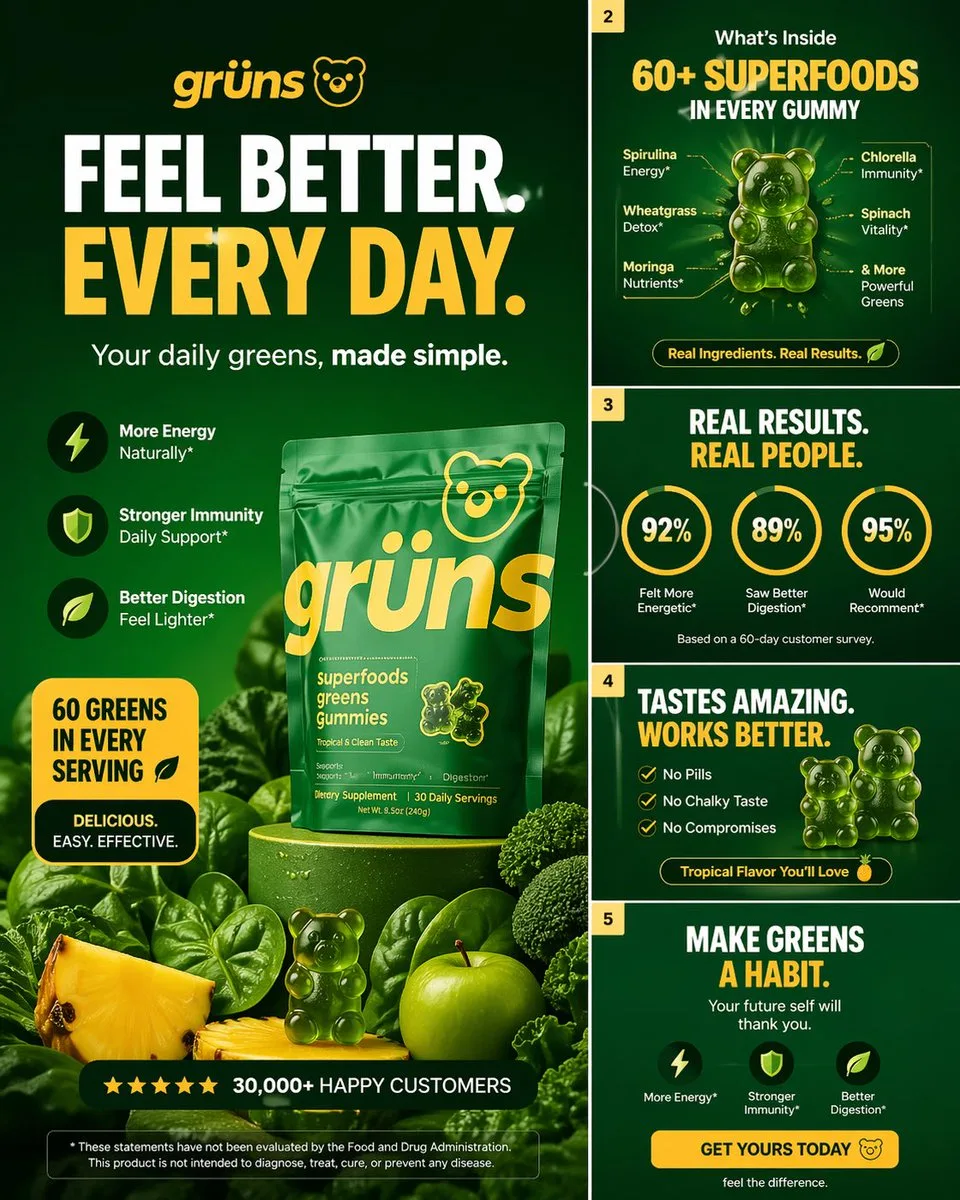
![[BRAND NAME] | [COLOR] Act as a 3D Type Designer and CGI Artist working at the intersection of streetwear culture, Y2K a](/api/storage/file?key=prompts%2F2043381172646920237%2Fcover.webp)
Refine with a reference
Choose a generated image and describe the changes. Keep the original while exploring a new direction.
AI image generator
Create AI images for covers, social posts and product visuals. Start with an idea, refine with a reference, and download your final.
Browse examples, explore their prompts, and make them your own.
Choose a model, find prompt examples, or learn how to edit with a reference image.
Choose a generated image and describe the changes. Keep the original while exploring a new direction.
Resume a creation in the same browser with its prompts and versions together.
Select your preferred version and download the original for your workflow.
Start with your own idea or use a prompt from the inspiration gallery.
Select a generated image as a reference and describe what to change.
Choose your final version and download the original image.
Compare one-time credit packages and model costs. Each request shows its credit quote before you generate.
MyImage is an AI image generation website with a searchable GPT Image and Nano Banana prompt gallery. You can inspect example images, read prompts, and use a prompt as the starting point for a new image.
Open a prompt and choose “Use this prompt” to bring its text into the studio. Add your own reference images if needed, choose the model and settings, sign in, and review the credit quote before generating.
Choose “Continue editing” on a generated image to use it as a reference, then describe the changes. Earlier versions remain available. Reference support and settings depend on the model; review details because the new result can differ from the original.
Browsing the public prompt gallery does not require a paid generation. Generating images uses credits based on the selected model and resolution. The generator displays the credit quote before submission; available credit packages are listed on the pricing page when purchasing is enabled.
Check the source and license of each gallery entry before reusing its prompts or previews. Dataset attribution does not grant rights to every depicted subject. For generated images, review the service terms, model provider terms, and any third-party rights relevant to your input and intended use.
A useful prompt describes both the subject and the visual decisions. Start with a concrete object or person, then specify the environment, framing, lighting, style, and details that must remain consistent. Use the same prompt with different models to compare their interpretation.
A ceramic teapot on a pale oak table, close-up product photograph, soft window light from the left, warm neutral palette, uncluttered background, square composition, no lettering.
The gallery groups prompts by model family. A gallery label describes its source family; the generator shows the specific models and settings currently available. Previews are examples, and do not guarantee identical output.
Guide maintained by MyImage · Last reviewed